Sift.

Through every frame on the card, one key at a time.

Download for Mac Version 0.1.0 · macOS 14+
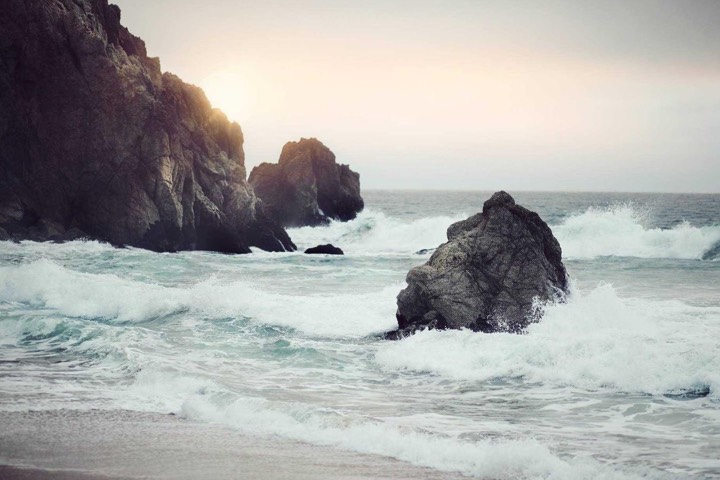
IMG_0412.CR3 · 1 of 10

Try it: P keep · X bin · 1–5 stars · 6–9 labels · 0 no stars · Z zoom · ← back

The whole card on one screen.

How it works

01

No import.

Put the card in and Sift offers its DCIM folder. The grid fills straight away, and nothing is copied or moved.

02

No waiting.

Sift shows the preview your camera already saved inside each RAW, so there's nothing to render. The next five frames load before you reach them. Hold → to skim.

Picked
03

Bursts, settled.

A burst stacks into one tile. N lays its frames side by side, Z zooms them all to 100% on the same spot, and K keeps the sharp one and rejects the rest.

04

Lightroom already knows.

Flags, stars and colour labels are written to XMP sidecars beside each file, merged with anything Lightroom put there first. Capture One and Bridge read them too. Your originals are never touched.

IMG_0412.xmp  xmpDM:pick="1"  xmp:Rating="4"  xmp:Label="Green"

Lightroom keys. Change any of them.

Same keys you already use for picks, stars and labels. Press ? in Sift to see them all.

Also in Sift

Compare
Two to four photos side by side, zoom kept in sync.
Filters
Picks only or three stars and up, one key each. Labels, camera and lens from the filter bar.
Search ⌘K
Find a frame in any shoot you've opened, by name, camera, lens or date.
Copy picks ⌘E
To your drive with sidecars, renamed your way, checked against the card. Add a backup drive too.
Clear out rejects ⌘⌫
Moves them to the Trash once you confirm. Nothing is deleted for good.
RAW + JPEG
Each pair is one photo. Mark it once and both files get it.
Highlights
J blinks blown highlights like your camera does. H shows the histogram.
Two cameras
Set a clock offset per body and both shooters' frames sort into one timeline.
No editing · No importing · No AI picking for you · No account

Keep the good ones.

Go through the card with one key per photo. Your picks land in Lightroom.

Download Sift 0.1.0

First launch: System Settings → Privacy & Security → Open Anyway. Updates install themselves.